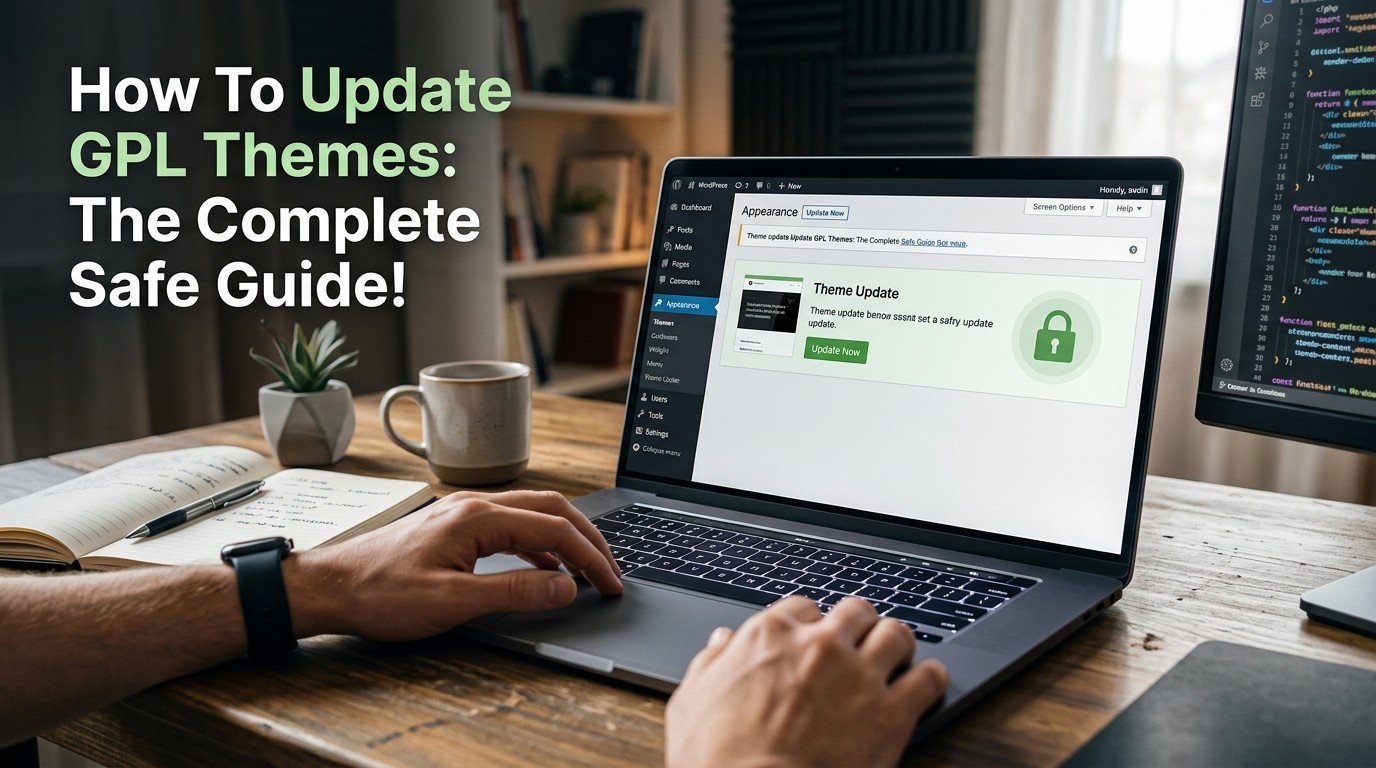
Update GPL Themes safely by backing up first, testing on staging, verifying source files, checking compatibility, and documenting changes before going live.
Update GPL Themes carefully because even a small theme change can break layouts, conflict with plugins, or disrupt checkout flows. A theme update is not just a technical task; it is a business continuity task. When a website depends on design, speed, and conversion, careless changes can create visible damage fast. That is why the safest approach is always planned, tested, and reversible.
Many site owners think theme updates are routine until a menu disappears, a homepage section shifts, or a WooCommerce template stops working. Update GPL Themes the right way, and those problems become easier to prevent. Update GPL Themes with a backup and staging plan, and you reduce the emotional stress that comes from making changes on a live site. Update GPL Themes without preparation, and even a small error can create hours of repair work.
A safe process protects trust. Visitors do not care whether a site is using a premium theme, a GPL-licensed theme, or a custom child theme. They only care whether the site loads correctly and feels reliable. That is why Update GPL Themes must be treated as part of website maintenance, not as a casual download-and-replace task.
What GPL means in practical terms
GPL is a license model built around the freedom to use, study, modify, and redistribute software under the terms of the license. For WordPress users, that often means themes can be shared legally when they are distributed under GPL conditions. But legal distribution and safe updating are not the same thing. Even when something is GPL-licensed, you still need to make sure the files come from a trusted and intact source.
Update GPL Themes safely by understanding the difference between licensing and quality. A file can be legal under GPL and still be outdated, incomplete, or modified in a risky way. That is why users should verify version numbers, check changelogs, and avoid blindly installing files from unknown sources. Update GPL Themes with the same care you would use for any important website asset.
The first rule : back up everything
Before you Update GPL Themes, create a full backup of your site. That means the database, uploads, wp-content, and any custom files you rely on. A backup is your rollback plan if the update causes trouble. Without one, you are forcing yourself to troubleshoot under pressure.
A safe backup workflow should include both files and database exports. Store copies in two places if possible. Update GPL Themes only after you know you can restore the site quickly if needed. A backup does not prevent problems, but it turns a disaster into a manageable interruption.
It also helps to confirm that the backup actually works. Many people assume they are protected because a backup plugin completed successfully, but they never test restoration. Update GPL Themes with confidence only after verifying that your backup is restorable and recent.
Test in staging before going live
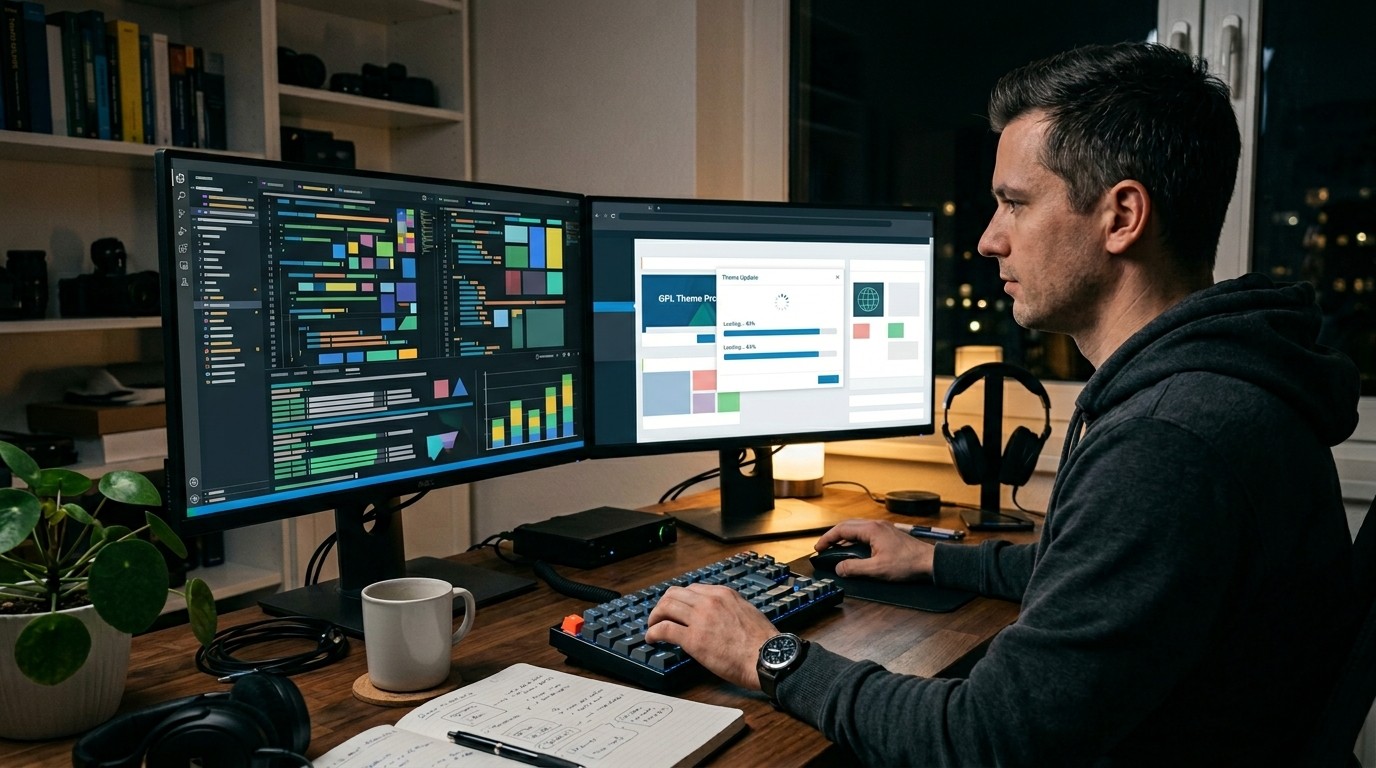
A staging site is one of the best tools for anyone who wants to Update GPL Themes safely. A staging environment lets you apply the update, inspect the result, and test the site without exposing visitors to errors. That is especially important for high-traffic sites, stores, and membership platforms.
When you Update GPL Themes on staging first, you can check layout stability, plugin compatibility, and mobile behavior before touching production. This reduces the chance of a surprise. It also gives you time to compare screenshots, test navigation, and review important pages like home, product, contact, and checkout.
If your hosting provider offers one-click staging, use it. If not, you can create a local or subdomain copy. The exact method matters less than the habit. Update GPL Themes in a safe environment first, and the live site becomes much easier to protect.
Check the source before installing
One of the biggest mistakes people make is installing a theme package without checking where it came from. Update GPL Themes only from sources you can trust. Look for the correct version number, a clean folder structure, and a changelog that matches the release. If the package looks altered in strange ways or contains suspicious extras, pause and investigate.
A proper package usually includes the theme files, documentation, and sometimes a child theme or demo data. Update GPL Themes with an eye for consistency. If the version number in the package does not match the version advertised, or if the update path looks confusing, that is a warning sign.
It is also wise to confirm that the theme has not been modified in ways that affect security or functionality. A safe update is not about taking the fastest shortcut. It is about preserving site integrity while keeping the legal and technical process clean.
Understand compatibility before updating
Compatibility is one of the most important parts of the process. Update GPL Themes only after checking whether the new version works with your current WordPress version, PHP version, page builder, and key plugins. A theme may look fine in isolation but fail when paired with a specific plugin or server setting.
Read the changelog carefully. Many updates fix bugs, but some also introduce new template changes or feature dependencies. Update GPL Themes with awareness of what changed, not just the version number. If the theme relies heavily on custom widgets, sliders, or dynamic modules, test those components one by one.
Premium Vs Free Themes is often framed as a simple price debate, but compatibility and support matter more than the label alone. A free or GPL-distributed theme can still perform well if it is maintained properly. The real question is whether the update path is safe, documented, and tested.
Child themes protect custom work
If you have made design or code customizations directly in the parent theme, update risk increases sharply. Update GPL Themes more safely by using a child theme for custom functions, template edits, and styling changes. A child theme keeps your modifications separate so they are not overwritten by the parent update.
This is one of the most useful habits in WordPress maintenance. It allows you to update the theme without losing your work. Update GPL Themes with a child theme, and the process becomes less stressful because the site’s unique edits stay protected.
If you already edited the parent theme directly, make a note of every change before updating. Then migrate those changes into a child theme as soon as possible. Update GPL Themes with a cleaner structure, and future maintenance becomes easier too.
Identify what the update actually changes
Not every update is equally important. Some versions fix styling bugs. Others change templates, scripts, accessibility details, or WooCommerce compatibility. Update GPL Themes only after reading the release notes and deciding whether the update matters for your site.
A careful administrator asks: Does this update fix a problem I actually have? Does it improve security? Does it change behavior on pages that matter to my visitors? Update GPL Themes more intelligently when you know the impact in advance. That saves time and reduces unnecessary changes.
If the new version introduces features you do not need, do not assume they must be activated. Install first, evaluate later. Update GPL Themes in a controlled way so you can verify the consequences instead of discovering them after the site is already public.
A safe update workflow
A reliable workflow usually follows the same sequence every time. First, confirm the current version. Second, back up the site. Third, test the update on staging. Fourth, check the frontend and backend. Fifth, push the change live only after testing. Update GPL Themes successfully when the process is predictable.
Consistency matters because it removes guesswork. Update GPL Themes through the same steps each time, and you create a repeatable maintenance habit. That habit reduces stress when multiple site owners, editors, or developers are involved.
After the update, compare the site visually. Check homepage sections, menus, mobile responsiveness, forms, and key conversion pages. Update GPL Themes with a checklist in hand, and you are less likely to miss a hidden issue.
What to test after the update
Once the update is installed, test the highest-value areas first. Start with the homepage, navigation, single posts, archive pages, contact forms, and checkout pages if you run a store. Update GPL Themes only count as a success if the site still behaves correctly in the places your users visit most.
Mobile testing is especially important. Many theme issues show up on small screens first. Update GPL Themes and then check spacing, tap targets, menu behavior, image scaling, and sticky elements across different viewport sizes. A site that looks fine on desktop may still fail on mobile.
Also test site speed and asset loading. A new theme version may load additional scripts or styles that affect performance. Update GPL Themes with both design and performance in mind so you do not trade visual improvement for a slower experience.
Keep the design stable
Design stability matters because users notice change quickly. Update GPL Themes carefully if your brand relies on consistent colors, spacing, typography, or layout. Even subtle shifts can make a polished site feel broken if they are not intentional.
This is where screenshots help. Capture before-and-after images of critical pages. Update GPL Themes with visual comparison in mind so you can see whether sections moved, typography changed, or modules broke alignment. Small differences often matter more than they first appear.
If the update changes a component that is essential to your design system, document it before making further changes. That way you can decide whether to keep the new behavior or restore the old one. Update GPL Themes best when design decisions are deliberate, not accidental.
Gutenberg, builders, and special modules

Many modern themes are tied to block editors or page builders. Update GPL Themes with extra caution if your site uses Elementor, Divi, WPBakery, Gutenberg blocks, or custom widgets. A theme update may affect how templates render or how modules inherit styles.
Test any builder-based templates after the update. Check whether popups, sliders, forms, and headers still work as expected. Update GPL Themes with builder compatibility in mind, because page builders often mask deeper issues until you inspect the details.
If the theme ships with demo content or custom blocks, verify that those elements still load correctly. A safe update protects both the core theme and the unique pieces layered on top of it.
WooCommerce stores need extra care
E-commerce sites need a higher level of caution. GPL Themes WooCommerce setups can be especially sensitive because product pages, carts, checkout flows, and account areas are directly tied to revenue. A minor template conflict can affect conversions quickly.
Test product listings, variations, cart behavior, coupon fields, checkout steps, and payment methods after any theme update. Update GPL Themes on an online store only after confirming that the storefront still works on both desktop and mobile. It is not enough for the homepage to look good if checkout has broken styling or missing buttons.
Also check any bundled shop features, wishlist tools, quick view modules, and product filters. Those components often rely on scripts or template hooks that can shift during an update.
Forms, SEO, and local visibility
Theme updates can affect forms, headings, schema, and navigation structure, which means SEO can be influenced too. Update GPL Themes carefully if your site depends on organic traffic or lead generation. Small changes in markup or layout can alter how search engines and users experience the site.
Tools such as a Responsive SEO FAQ Plugin can help preserve structured content after a theme update, especially if your pages rely on FAQ blocks or schema-friendly layouts. Update GPL Themes with SEO awareness so that headings, internal links, and content hierarchy remain intact.
A Local SEO for WordPress Plugin can also be useful for businesses that depend on location-based discovery. If the update affects address blocks, maps, or local business schema, verify that those elements still appear correctly. Update GPL Themes without checking those details, and you may weaken visibility without realizing it.
Manage plugin conflicts
One of the most common update problems is plugin conflict. Update GPL Themes after checking whether critical plugins are active, updated, and compatible. If the site behaves oddly after the update, a plugin may be the real cause even when the theme appears responsible.
A practical way to test is to use staging and disable nonessential plugins temporarily. Update GPL Themes in a controlled environment and turn plugins back on one by one if problems appear. That makes troubleshooting much faster and avoids guessing.
Keep a list of essential plugins before updating. When something changes, you will know what to inspect first. Update GPL Themes smarter by reducing the number of variables in play.
If something breaks, do not panic
Breakage is not unusual, and it does not mean the site is ruined. Update GPL Themes with a rollback plan so you can restore the previous version quickly if needed. Panic usually leads to extra mistakes. A calm reset is almost always better.
Start by identifying the symptom. Is it a layout problem, a missing asset, a PHP error, or a plugin conflict? Then compare it against the update notes and recent changes. Update GPL Themes successfully by isolating the cause instead of changing everything at once.
If you cannot resolve the issue quickly, restore the backup and regroup. A clean rollback is not failure. It is responsible maintenance. The goal is a stable website, not proving that every update must stay live at all costs.
What to document for future updates
Documentation saves time later. Record the previous version, the new version, the date, the test environment, the results, and any fixes you applied. Update GPL Themes much more easily in the future when you have a clear history of what worked and what did not.
A simple update log can include screenshots, notes about plugin compatibility, and any custom files you modified. Update GPL Themes repeatedly over the life of a site, so keeping records turns every update into part of a reliable process rather than a one-time memory test.
This becomes especially helpful if more than one person manages the site. Future editors or developers can see the pattern and avoid repeating the same problems. Good records make maintenance less stressful and more professional.
Avoid shortcuts that create risk
Shortcuts may look efficient, but they often create hidden cost. Update GPL Themes from a source you trust, not from random files or altered packages with unclear origins. If the path to the file is suspicious, the package deserves suspicion too.
Avoid updating directly on live production when the site matters. Avoid skipping backups. Avoid editing core files that will be overwritten later. Update GPL Themes more safely when you treat the process like site maintenance, not like a quick replacement task.
The most dangerous shortcut is assuming that because a theme is widely shared, every copy is equally safe. Files can be incomplete, modified, or bundled incorrectly. Trust matters here.
A practical decision framework
Before you update, ask four questions. Is the update needed? Is the source trusted? Is the site backed up? Is there a staging test available? If any answer is no, pause. Update GPL Themes only when the setup is ready.
This framework is helpful because it stops emotional decision-making. A new release can feel urgent, but urgency is not the same as necessity. Update GPL Themes when the site benefits from it, not just because a newer version exists.
If the update fixes a security issue or compatibility problem, the case is stronger. If it only adds features you do not need, the timing may be less important. A good framework keeps priorities clear.
Version control and child file safety
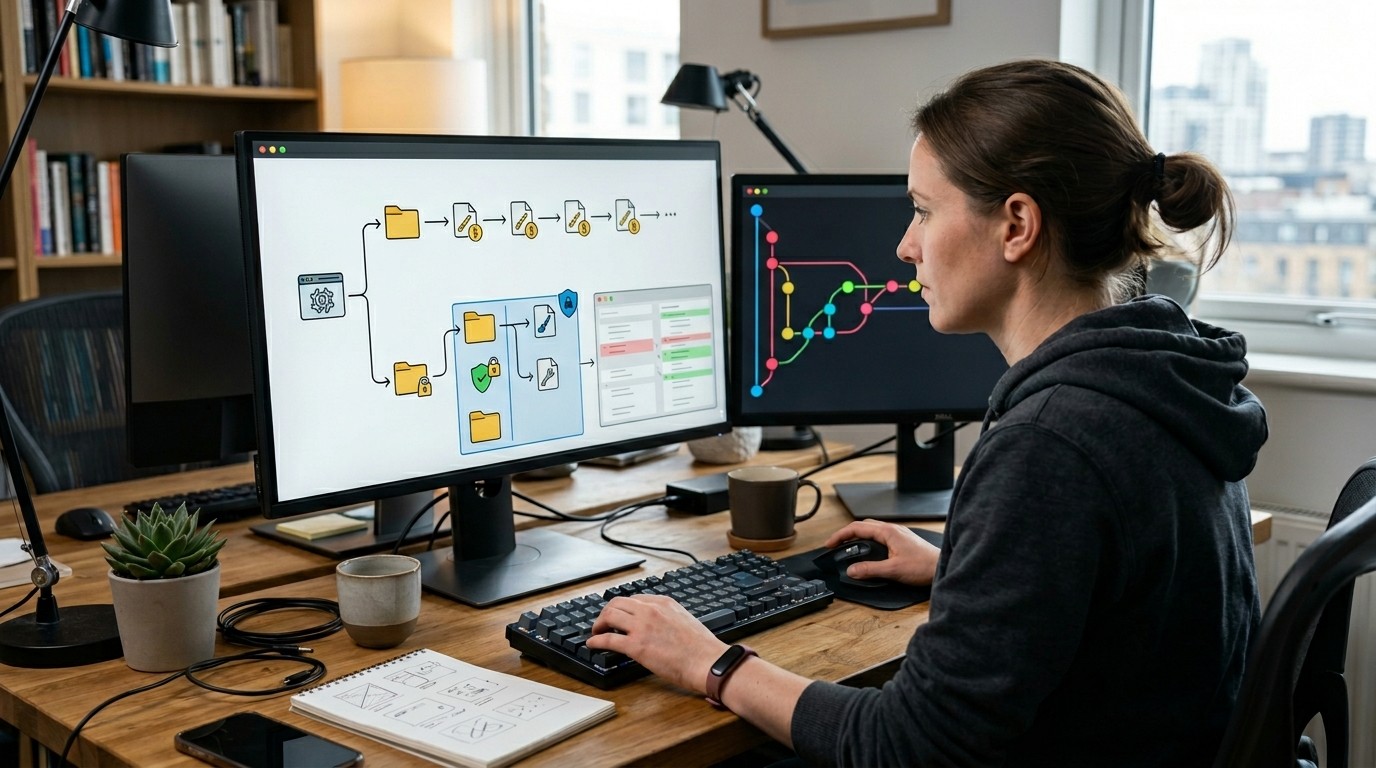
If your site uses custom code, version control can help track changes. Update GPL Themes more confidently when your own edits are separated from the theme’s core files. Git or other version tools can make it easier to see exactly what changed after an update.
Even if you are not using formal version control, keeping a plain-text record helps. Save custom CSS, template overrides, and functions in a separate place. Update GPL Themes with this habit, and you protect yourself from accidental loss of work.
A child theme, revision notes, and a backup together create a strong safety net. That combination is often enough for small sites and professional projects alike.
The role of timing
Timing matters more than many people realize. Update GPL Themes during low-traffic periods whenever possible. That gives you room to test, fix, and restore if needed without disrupting many visitors. A quiet window is far easier to manage than a busy one.
If your site supports sales, launches, or important events, avoid making theme changes right before those deadlines. Update GPL Themes earlier so problems can be discovered and corrected before the site matters most. Good timing reduces pressure and increases confidence.
The same applies to seasonal content and campaigns. A stable design during busy periods matters more than chasing the newest version at the wrong moment.
How to think about support
Support is part of the maintenance plan, even when the license is GPL-based. Update GPL Themes more safely if you know where documentation lives, where changelogs are posted, and what help resources are available. A well-documented theme is easier to maintain.
If the theme is complex, read the release notes before updating. If there are known issues, wait for clarification or a patch. Update GPL Themes with patience when the update is important but not urgent. A little caution often prevents a lot of cleanup later.
Good support also means understanding your own setup. Hosting, caching, CDN settings, and optimization plugins can all influence the result.
Final habits that make updating easier
The strongest habit is simple: never update blindly. Update GPL Themes with preparation, testing, and documentation. That combination turns a potentially risky task into a manageable one. Over time, the process becomes routine, and routine reduces anxiety.
A second habit is to separate appearance from behavior. Just because the site looks fine does not mean everything is functioning. Update GPL Themes and then test forms, checkout steps, menus, and dynamic widgets. A stable visual result should be followed by a functional one.
A third habit is to value rollback as much as rollout. Safe site management is not about pretending problems cannot happen. It is about being ready when they do.
Conclusion
Update GPL Themes safely by treating every change as a controlled process rather than a quick upload. Start with backups, then test on staging, then verify source files, compatibility, and functionality before going live. Protect custom work with a child theme, review your plugin stack, and pay close attention to WooCommerce, forms, and mobile layouts. If a problem appears, roll back calmly and document what happened. That approach keeps the site stable, preserves user trust, and makes future updates easier. In the long run, a careful update workflow is not slower. It is simply more reliable, and reliability is what keeps a WordPress site healthy.
Frequently Asked Questions (FAQ)
1. What does it mean to Update GPL Themes safely?
It means backing up the site, testing in staging, checking compatibility, and verifying the update before applying it to the live site.
2. Should I update on a live site first?
No. A staging test is much safer because it lets you catch issues before visitors see them.
3. Why is a child theme important?
A child theme protects your custom changes so they are not overwritten when the parent theme is updated.
4. What should I test after the update?
Check homepage sections, menus, forms, mobile layouts, product pages, and checkout flow if you run a store.
5. Can a theme update affect SEO?
Yes. Layout changes, headings, schema, and internal links can all influence search visibility.
6. What if the update breaks my site?
Restore the backup, identify the issue calmly, and then test again in staging before trying another live update.
7. Are GPL files always safe to use?
Not automatically. They should still come from a trusted source and be checked for version accuracy and file integrity.
8. How often should theme updates be checked?
Regularly. Review updates whenever new releases appear, especially if they include security or compatibility fixes.
9. Is WooCommerce more sensitive to theme updates?
Yes. Storefront, cart, and checkout areas need extra testing because they directly affect revenue.
10. What is the most important habit for safe updates?
Always back up first, test on staging, and verify everything before going live.