A practical guide to evaluating WordPress GPL Themes, identifying hidden security risks, checking update integrity, reviewing code behavior, and making safer purchasing decisions without confusing GPL rights with safety guarantees.
A low price can feel like an easy win when building a WordPress website. Premium-looking templates sold for a fraction of their original cost seem especially attractive to freelancers, agencies, bloggers, and small businesses working with limited budgets. The problem is that license freedom and software safety are different questions. WordPress GPL Themes may legally be redistributed under applicable GPL terms, yet the package you receive can still contain altered files, outdated dependencies, injected code, missing updates, or questionable distribution practices.
That difference matters because website owners often evaluate WordPress GPL Themes through screenshots, design quality, and price. Attackers and careless distributors operate somewhere else: inside PHP files, JavaScript assets, admin hooks, template functions, dependencies, and update mechanisms. A WordPress GPL Themes can look perfectly normal while quietly increasing the attack surface of a WordPress installation.
A useful audit therefore begins with a simple mindset: do not ask only whether a WordPress GPL Themes is licensed for redistribution. Ask where it came from, what code is actually inside the package, whether the files match a trustworthy release, how updates are delivered, and whether the WordPress GPL Themes introduces unnecessary privileges or network connections.
This guide explains how to audit WordPress GPL Themes quickly and systematically. It focuses on practical signals that help you separate legitimate GPL distribution from risky or modified packages. The goal is not to create fear around GPL software. The goal is to build a repeatable security habit before a WordPress GPL Themes reaches a production website.
Understanding What GPL Means
The GNU General Public License is designed to preserve freedoms to use, study, modify, and redistribute covered software, subject to its terms. In the WordPress ecosystem, many themes and plugins are distributed under GPL-compatible licensing models because WordPress itself is built around GPL licensing.
That legal framework does not automatically certify the quality of every copy circulating online. A seller can advertise a product as GPL while still distributing an obsolete version, a tampered archive, or files that were bundled from unclear sources. The license also does not guarantee responsive support, reliable updates, clean development practices, or security testing.
This is where many buyers make a dangerous mental shortcut. They see GPL and assume trusted. They see a low price and assume efficient. They see a premium brand name and assume authentic. None of those assumptions proves that the specific package on the table is clean.
The safer approach is to separate four questions:
| Audit question | What you are trying to verify |
|---|---|
| License | Whether redistribution is permitted under the relevant license terms |
| Provenance | Where the package originated and whether the distributor is credible |
| Integrity | Whether the files match an authentic release |
| Security | Whether the code contains exploitable, suspicious, or unnecessary behavior |
Why WordPress GPL Themes Require a Security Audit
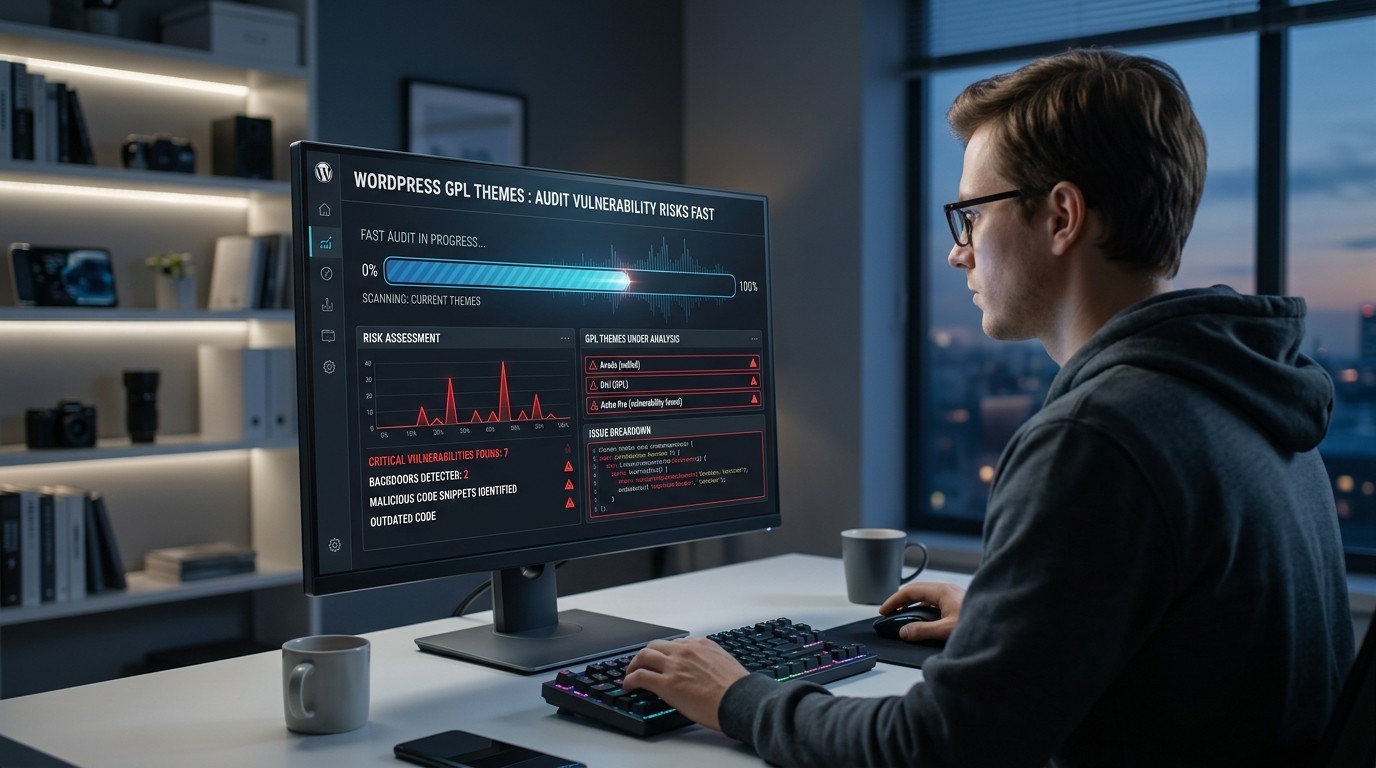
A WordPress theme can execute server-side PHP and browser-side JavaScript, register hooks, load remote resources, create settings pages, process forms, and interact with the database. That means a modified WordPress GPL Themes can do much more than change visual styling.
The most common risk is not always an obvious backdoor. Sometimes it is simply an old release containing a publicly known vulnerability. A forgotten dependency can expose a site even when the WordPress GPL Themes author never intended anything malicious. A third-party script can introduce tracking or compromise risk. A concealed administrator account creation routine can be much more serious.
Another issue is update lag. A reputable developer might patch an issue quickly, while a reseller may continue circulating an old archive because obtaining and packaging newer releases takes time. A buyer who saves money up front can then spend far more on incident response, cleanup, lost rankings, downtime, or customer trust.
For that reason, WordPress GPL Themes should be evaluated as software packages, not merely as design assets. The correct comparison is not cheap versus expensive. It is verified versus unverified, maintained versus abandoned, and auditable versus opaque.
The First Fast Check: Source and Provenance
Before opening code, inspect the distributor. Look for a transparent business identity, a clear licensing explanation, release information, documentation, update history, and a sensible support process.
A credible source should be able to tell you what product version you are receiving. If a listing only says “latest version” without a version number, that is a warning sign. If download links change unpredictably, documentation is missing, or support avoids technical questions, the package deserves extra scrutiny.
Search for consistency across the distributor’s pages. Product names, version numbers, changelog entries, screenshots, and documentation should line up. A seller using a premium brand name but presenting vague or copied descriptions creates uncertainty around provenance.
Also examine packaging. A normal release may include expected folders, documentation, license information, screenshots, language files, and standard assets. A strange archive with unrelated utilities, password-protected executables, or excessive obfuscation deserves caution.
Never treat a GPL label as proof of authenticity. The license can explain what users may do with software; it does not establish who prepared a specific archive or whether that archive was modified after release.
The Second Fast Check: Verify the Exact Version
Version control is one of the highest-value checks because vulnerability status changes over time. Write down the exact WordPress GPL Themes version, compare it with the developer’s current public release information, and inspect the changelog.
If the public developer site shows version 4.8.2 while your package contains 4.6.0, you have an immediate maintenance question. That does not prove malware. It does show that your package may miss security fixes and compatibility updates.
Pay special attention to releases containing security fixes, dependency updates, authentication improvements, escaping fixes, input validation changes, or emergency patches. Security-sensitive changelog language should trigger a deliberate verification process.
For WordPress GPL Themes, version checking is especially important when the reseller does not offer automatic updates. You may have to monitor the original developer yourself and compare every future release.
The Third Fast Check: Compare File Integrity
A strong integrity audit compares the downloaded package against a known-good release. Ideally, obtain a reference copy directly from the original developer or an authorized source and compare file names, sizes, hashes, and important code sections.
Cryptographic hashes are useful because even a small file modification creates a different digest. A simple SHA-256 comparison can quickly identify that two archives are not identical.
Do not panic when hashes differ between compressed archives. Different packaging metadata can legitimately change the archive hash even when extracted files are the same. Compare extracted files or file-level hashes when possible.
Look for suspicious additions. Examples include unfamiliar PHP files in image folders, random filenames, encoded blobs, hidden configuration files, or scripts placed in directories where they have no obvious purpose.
A missing file can matter too. Developers sometimes remove vulnerable libraries or replace outdated components in security releases. A reseller package that still contains an older dependency may be riskier even when the main WordPress GPL Themes code appears unchanged.
A Practical File Review Workflow
Start with the archive in a safe environment rather than installing it directly on your live site. Extract the package locally and inventory its files.
Focus first on PHP files because they can execute server-side logic. Review functions that handle uploads, forms, authentication, remote requests, database queries, cron jobs, administrative actions, and file operations.
Then inspect JavaScript files for unfamiliar remote domains, dynamic script loading, suspicious obfuscation, or data collection behavior. Review CSS, images, and font directories for unexpected executable content or unusual file types.
Search the codebase for signals such as:
eval()base64_decode()gzinflate()str_rot13()preg_replace()with dynamic execution patterns- shell execution functions
- unexpected remote HTTP requests
wp_insert_useror direct administrator creation logicfile_put_contentswriting into plugin or upload directories- hidden iframe or script injection
- code that disables security checks
These patterns are not automatically malicious. Legitimate software occasionally uses encoding, dynamic generation, or remote APIs. The important question is context. A payment integration may legitimately contact an external service. A WordPress GPL Themes file randomly creating users should be investigated immediately.
What Suspicious Obfuscation Looks Like
Obfuscation makes code harder for humans to understand. Some commercial software uses it for licensing, compatibility, or intellectual property reasons, but unexplained obfuscation in a redistributable WordPress GPL Themes increases audit difficulty.
The strongest warning pattern is not “encoded text exists.” It is “critical behavior is hidden behind multiple layers of unnecessary encoding.”
For example, a WordPress GPL Themes might decode a long string, concatenate function names, dynamically execute the resulting payload, and then make a remote request. Each step reduces transparency.
A safer package tends to make its important behavior understandable. Security reviewers should be able to follow authentication, settings, form processing, external requests, and update logic without fighting through artificial complexity.
When WordPress GPL Themes contain heavily obfuscated code that the distributor cannot explain, pause deployment and seek a cleaner source.
External Connections and Supply-Chain Risk
A WordPress GPL Themes can create a relationship with external services even when you never configured one. It may load fonts, analytics scripts, license servers, images, APIs, telemetry endpoints, or update services.
List every external domain referenced by the code. Then classify each one as necessary, expected, optional, or unexplained.
Pay attention to remote JavaScript because a compromised remote resource can affect visitors without changing your own server files. Third-party assets should come from reputable, controlled domains and should have a clear purpose.
External requests from administrative screens deserve additional scrutiny. A WordPress GPL Themes that sends site URLs, user information, or configuration details to unknown endpoints creates privacy and security questions.
This is why WordPress GPL Themes should be tested in a staging environment with network monitoring where practical. Observe what the WordPress GPL Themes communicates after activation and during normal tasks such as saving settings, publishing a post, loading the dashboard, and visiting the front end.
Permission and Capability Review
WordPress uses roles and capabilities to control privileged actions. A WordPress GPL Themes normally needs less authority than many full-featured plugins, so excessive privilege can be a sign of poor design.
Inspect code that checks capabilities such as manage_options, edit_posts, install_plugins, or create_users. Understand what each permission enables and why the WordPress GPL Themes needs it.
Review admin actions, AJAX handlers, REST endpoints, and custom forms. Every endpoint should validate authentication, authorization, nonces where appropriate, and input data.
A poorly designed WordPress GPL Themes may expose powerful actions through weakly protected endpoints. An attacker does not need a dramatic backdoor if a forgotten AJAX handler lets an unauthenticated visitor trigger sensitive behavior.
Database and Input Validation Checks
Search for direct database queries and user-controlled values. Safe code should validate, sanitize, escape, and prepare inputs according to the context.
Pay attention to patterns involving $wpdb, GET and POST variables, cookies, request headers, file uploads, and serialized data. The presence of user input is normal; the problem occurs when it reaches SQL queries, HTML output, file paths, or command execution without suitable controls.
Cross-site scripting can emerge when values are printed into HTML or JavaScript without proper escaping. SQL injection can arise when untrusted values are concatenated directly into queries. File upload flaws can permit dangerous content to reach executable locations.
For WordPress GPL Themes, a careful input review is worth the effort because a visual WordPress GPL Themes often contains more functionality than its appearance suggests.
Dependency and Library Audit
Themes frequently bundle JavaScript libraries, CSS frameworks, icon packs, sliders, builders, or helper packages. Some may be outdated.
Create a simple dependency inventory and record versions where possible. Compare them against known advisories and the project’s supported versions.
Do not assume that a dependency is safe just because the main WordPress GPL Themes is popular. Supply-chain exposure can arrive through a library the developer forgot to update.
A good audit also checks whether unused libraries are present. Reducing unnecessary dependencies decreases attack surface and makes future maintenance easier.
License Questions Versus Security Questions
People often mix up licensing with malware risk. They are related only indirectly.
The phrase GPL Versus Nulled Plugins can be useful when discussing the market distinction between legitimate redistribution and pirated or modified software, but the practical test is still the actual package in your hands.
A lawful GPL redistribution can still be badly maintained. A package marketed as “nulled” often carries additional risk because licensing checks may have been deliberately bypassed and code may have been altered. That does not mean every non-original package is malicious, but it means provenance is weaker and audit requirements are higher.
The GNU Lesser General Public License is another licensing concept users may encounter around dependencies, but licensing terms should not be treated as a security certification. Always evaluate each component according to its own license and technical behavior.
Staging Tests Before Production
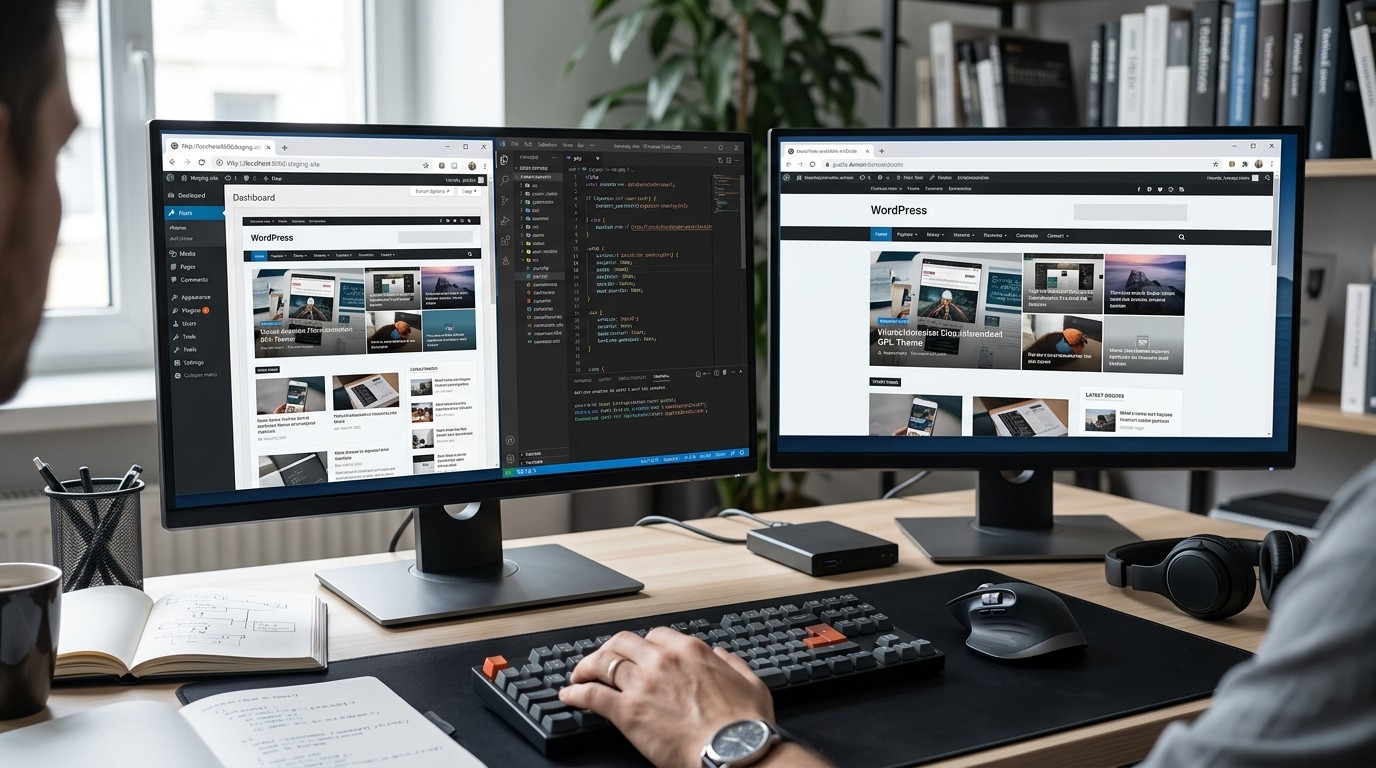
Never make an unverified WordPress GPL Themes your first test on a revenue-critical website. Build a staging clone or isolated WordPress installation first.
Use a fresh administrator account, minimal data, and monitoring tools. Install the WordPress GPL Themes, activate it, visit public and admin pages, submit relevant forms, import demo content if needed, and test updates.
Monitor new files, modified files, scheduled events, database changes, user accounts, outbound requests, and server logs.
For WordPress GPL Themes, this stage helps reveal behaviors that static inspection can miss. Some malicious routines wait until activation, a particular admin page, a specific request parameter, or a certain date.
A Fast Audit Scorecard
| Check | Low Risk Signal | High Risk Signal |
|---|---|---|
| Source | Transparent distributor | Anonymous seller |
| Version | Current and documented | Unknown or obsolete |
| Changelog | Public and detailed | Missing |
| Integrity | Matches trusted release | Unexpected files |
| Code | Readable and explainable | Heavy unexplained obfuscation |
| Network | Necessary known domains | Unknown destinations |
| Permissions | Least privilege | Excessive capabilities |
| Dependencies | Current | Abandoned or vulnerable |
| Testing | Clean staging results | Strange runtime activity |
| Updates | Reliable process | No clear update path |
Common Red Flags That Should Stop Deployment
Some signals are serious enough to justify stopping immediately until resolved.
One is a hidden administrator account creation routine. Another is a WordPress GPL Themes that writes executable PHP files into uploads directories. Unknown remote commands, suspicious cron jobs, and code that disables security plugins are also major concerns.
A reseller who refuses to provide a version number, release date, source information, or explanation for modified files should not receive the benefit of the doubt.
Do not rationalize strange behavior because the WordPress GPL Themes looks expensive. Visual polish is not evidence of code integrity.
How to Audit a Package in 15 Minutes
Start with five minutes of provenance and version checks. Confirm seller identity, product version, release history, and whether the package corresponds to a known release.
Spend the next five minutes on file inventory and code searches. Look for unexpected PHP files, encoded payloads, remote requests, account creation logic, direct database queries, and suspicious write operations.
Use the last five minutes for staging activation. Check new users, modified files, cron events, external requests, and visible errors.
This workflow will not replace a professional penetration test, but it can eliminate many obvious risks before deployment.
What to Do When a Theme Fails the Audit
Do not attempt to “clean” suspicious code casually on a production server unless you understand exactly what you are changing. Removing one malicious function may leave related persistence elsewhere.
Prefer replacing the package with a known-good release. If the WordPress GPL Themes is already installed, preserve evidence before deleting files if an incident may have occurred. Review administrator accounts, passwords, plugins, scheduled tasks, and logs.
For important websites, consider a professional malware and integrity assessment. After remediation, rotate relevant credentials and review hardening controls.
The Cost of Choosing Convenience
A cheap package can save money at checkout while creating hidden operational costs later. Security incidents consume time, damage trust, interrupt sales, and can hurt search visibility when malicious redirects or spam pages are indexed.
That is why cost should be measured across the WordPress GPL Themes’s lifecycle, not only at purchase. A slightly more expensive source that provides clean releases, reliable updates, documentation, and support may be economically safer.
Avoiding Security Theater
Not every security signal should become a panic button. A WordPress GPL Themes using base64_decode is not automatically infected. A WordPress GPL Themes calling an external API is not automatically spying. A commercial builder with complicated code is not automatically malicious.
Good auditing uses evidence, context, and repeatable checks. Flag suspicious behavior, trace where it is used, and determine whether it serves a documented purpose.
The same principle applies to automated scanners. Security tools are valuable for finding patterns, but false positives happen. Combine scanner results with version verification, source comparison, manual review, and runtime observation.
Building a Safer Buying Process
Create a standard procurement checklist for every new WordPress GPL Themes. Record vendor, source URL, version, license, release date, checksum where available, dependency information, and audit status.
Require staging approval before production deployment. Keep backups and document who approved the package.
For agencies, this process can become part of a broader security standard. That helps teams avoid purchasing based only on screenshots or price.
The best habit is to make verification normal rather than exceptional. When every WordPress GPL Themes is checked before deployment, risky packages become easier to reject and trustworthy packages become easier to document.
WordPress GPL Themes and Business-Critical Sites
For a personal blog, a bad WordPress GPL Themes may create inconvenience. For a store, membership portal, publishing platform, or lead-generation site, the consequences can be much larger.
Business-critical websites should prioritize predictable updates, trusted provenance, minimal dependencies, strong security controls, and rollback capability.
A WordPress GPL Themes should not be allowed to become a single point of uncertainty in a larger stack. Keep plugins updated, enforce strong authentication, maintain backups, monitor changes, and use least privilege across the site.
Even the best WordPress GPL Themes cannot compensate for weak site administration. Security is a system property, not a product label.
A Note on Unusual Keywords and Marketing Copy
Security-focused content sometimes intersects with unrelated SEO phrases because websites reuse content across multiple industries. For example, Mobile App Marketing Loops and Mobile App Marketing Strategy belong to a different marketing context and have no meaningful role in a WordPress GPL Themes security audit.
Their presence in unrelated listings should not influence your technical judgment. Evaluate the software based on code, provenance, maintenance, and behavior rather than promotional wording.
Security Audit Template for Repeatable Reviews

A repeatable audit becomes more valuable when every review follows the same sequence. Start by recording the source, product name, exact release number, download date, and package checksum where available. This basic evidence prevents confusion when several archives look similar.
Next, document the software inventory. List PHP files, JavaScript libraries, bundled frameworks, fonts, images, configuration files, and dependencies. Mark anything unexpected so a reviewer can trace its purpose. For WordPress GPL Themes, a simple inventory often reveals obsolete libraries, duplicate assets, or unusual executable files before deeper analysis begins.
Then review trust boundaries. Ask which code runs for anonymous visitors, authenticated users, administrators, scheduled jobs, AJAX requests, and REST requests. Security weaknesses often appear when a function assumes that a request has already been authorized. For WordPress GPL Themes, every privileged action should have a clear capability check and appropriate request validation.
Network behavior should receive its own record. Capture domains contacted during activation, settings changes, dashboard visits, and front-end page loads. Explain each destination in plain language. For WordPress GPL Themes, unknown external endpoints are not automatically malicious, but unexplained data flows deserve escalation.
Finally, record the decision, not only the findings. A package can be approved, rejected, or approved with conditions such as disabled features, restricted outbound access, or additional monitoring. For WordPress GPL Themes used across a portfolio, this decision history makes later incident investigation much easier.
A mature process also assigns ownership. One person can inspect provenance, another can review code, and a site administrator can handle staging tests. Independent review reduces confirmation bias because the person who purchased the package is not automatically the person who decides it is safe. Keep approved releases in a controlled repository, retain checksums, and revisit them when security advisories or major WordPress changes affect compatibility. This turns a one-time inspection into an operational control rather than a rushed prelaunch task.
WordPress GPL Themes remain safer when these steps are documented.
Conclusion
WordPress GPL Themes should be judged through licensing awareness and security discipline. GPL status can explain redistribution rights, but it cannot prove that a package is authentic, current, maintained, or clean. A fast audit should verify source, version, file integrity, dependencies, privileges, external connections, input handling, and runtime behavior before production use. The useful habit is simple: treat every unfamiliar package as unverified until evidence establishes trust. This reduces preventable risk without unfairly labeling GPL distributions as dangerous. For serious websites, combine procurement with staging, updates, monitoring, backups, and least-privilege administration so a theme never becomes an avoidable security weakness.
Frequently Asked Questions (FAQ)
1. Are GPL themes legal to use on WordPress?
Many WordPress themes are distributed under GPL or compatible licensing terms, but specific license obligations can vary by component and distribution method. Read the applicable license terms and avoid treating a marketplace listing as legal advice.
2. Does GPL mean a theme is safe?
No. A GPL license describes rights and obligations around software use and redistribution. It does not guarantee that a specific package is authentic, current, secure, or free from modification.
3. What is the biggest risk with cheap theme downloads?
The largest practical risks include outdated code, modified files, hidden backdoors, weak provenance, vulnerable dependencies, unreliable updates, and unexplained external connections.
4. Can security scanners detect every malicious change?
No. Scanners are useful but imperfect. A stronger process combines automated detection with source comparison, version verification, manual inspection, staging tests, and runtime monitoring.
5. Should I install an unknown GPL theme on my live site to test it?
No. Use an isolated staging environment first, especially when the source is uncertain or the package differs from the developer’s published release.
6. Is obfuscated PHP always malware?
No. Some legitimate software uses obfuscation for technical or licensing reasons. However, unexplained obfuscation around privileged or network-related behavior should receive careful review.
7. How often should a theme be audited?
Audit before initial deployment, after major updates, after a supplier change, and whenever a security advisory affects the WordPress GPL Themes or one of its dependencies. High-value sites benefit from continuous integrity monitoring.
8. What should I do if I find a suspicious file?
Do not assume deleting one file solves the issue. Isolate the site or package, preserve relevant evidence, investigate related persistence mechanisms, and replace compromised software with a verified release.
9. Can a theme create security problems without being intentionally malicious?
Yes. Bugs, outdated libraries, insecure endpoints, weak permissions, and unsafe input handling can create vulnerabilities even when the developer has no malicious intent.
10. What is the fastest way to reduce theme-related risk?
Use a trustworthy source, verify the exact release, compare files where possible, inspect suspicious code, test in staging, keep everything updated, and maintain reliable backups.